Integrations
Slack
Tidal Control can connect to one Slack workspace per organisation. The integration lists workspace admins, owners and guests. Two further tests check whether members use two-factor authentication and when they last signed in.
Connect a workspace
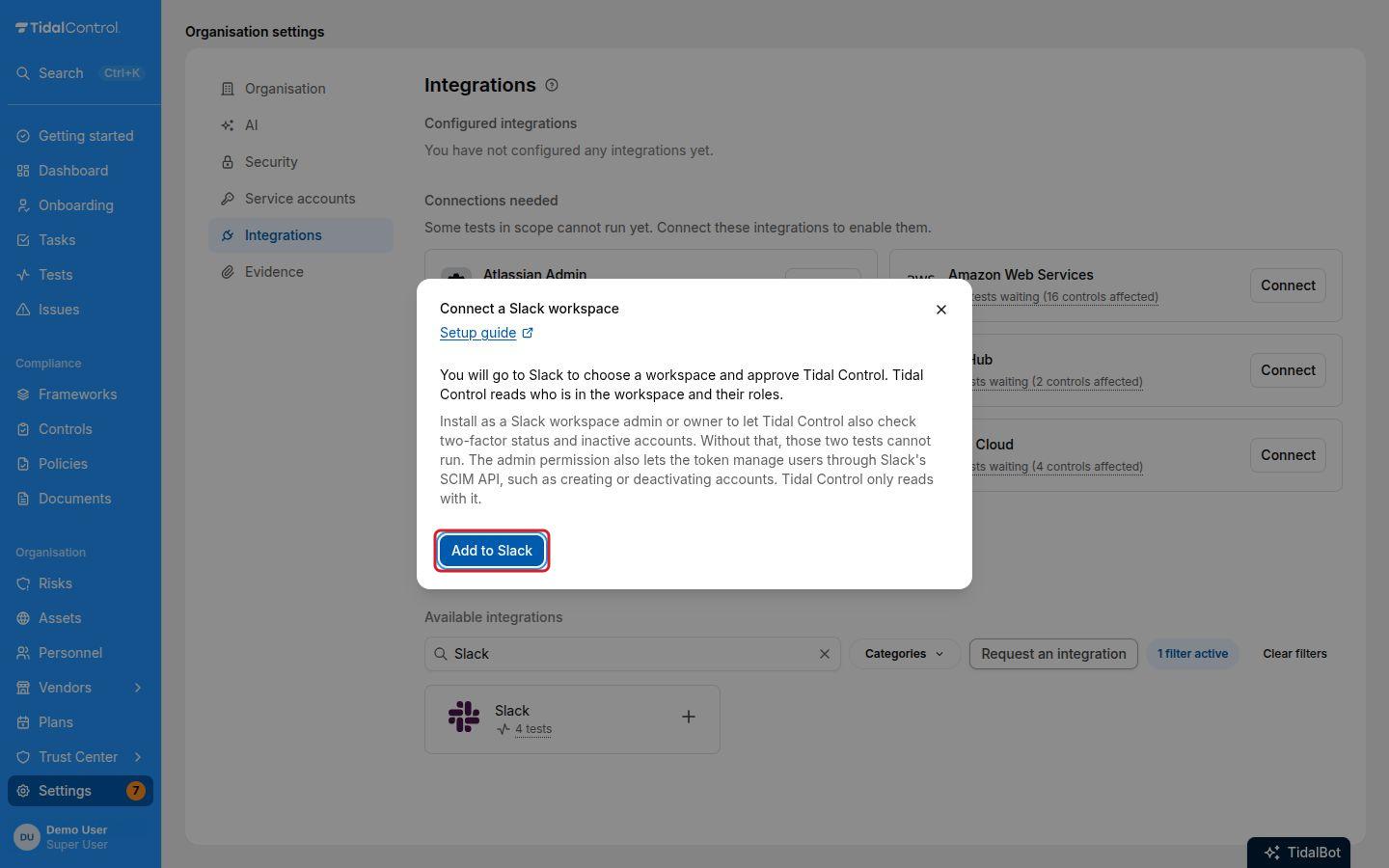
- Sign in to Tidal Control as a Super User. Open Settings → Integrations and select the plus next to Slack.
- Select Add to Slack. In Slack, check the workspace name before approving the installation.
- To run all four tests, install as a Slack workspace admin or owner. Review the permissions Slack shows. The admin permission can also manage accounts through Slack's SCIM API. Tidal uses it only to read member data.
- Return to Tidal Control. Open Tests, filter by Slack and refresh a test to inspect its results.
When a check cannot verify a member
The two-factor check needs authorisation from a workspace admin or owner. The inactivity check also needs a paid Slack plan with access logs. If Slack has no login recorded for a member within the available history, the check flags that member. Bots and deleted accounts are excluded.
If you connected without admin access, open the existing Slack connection and select Reinstall in Slack. Approve the installation in the same workspace as an admin or owner, then refresh the tests.